
LAPTOP RECYCLING IN LOS ANGELES
Recycle Old, Broken or Unwanted Laptops
LAeCycle accepts laptops from residents, businesses, schools and organizations throughout Los Angeles. Bring Windows laptops, MacBooks, Chromebooks and mobile workstations to either location for free standard recycling.
No appointment is required during regular drop-off hours.
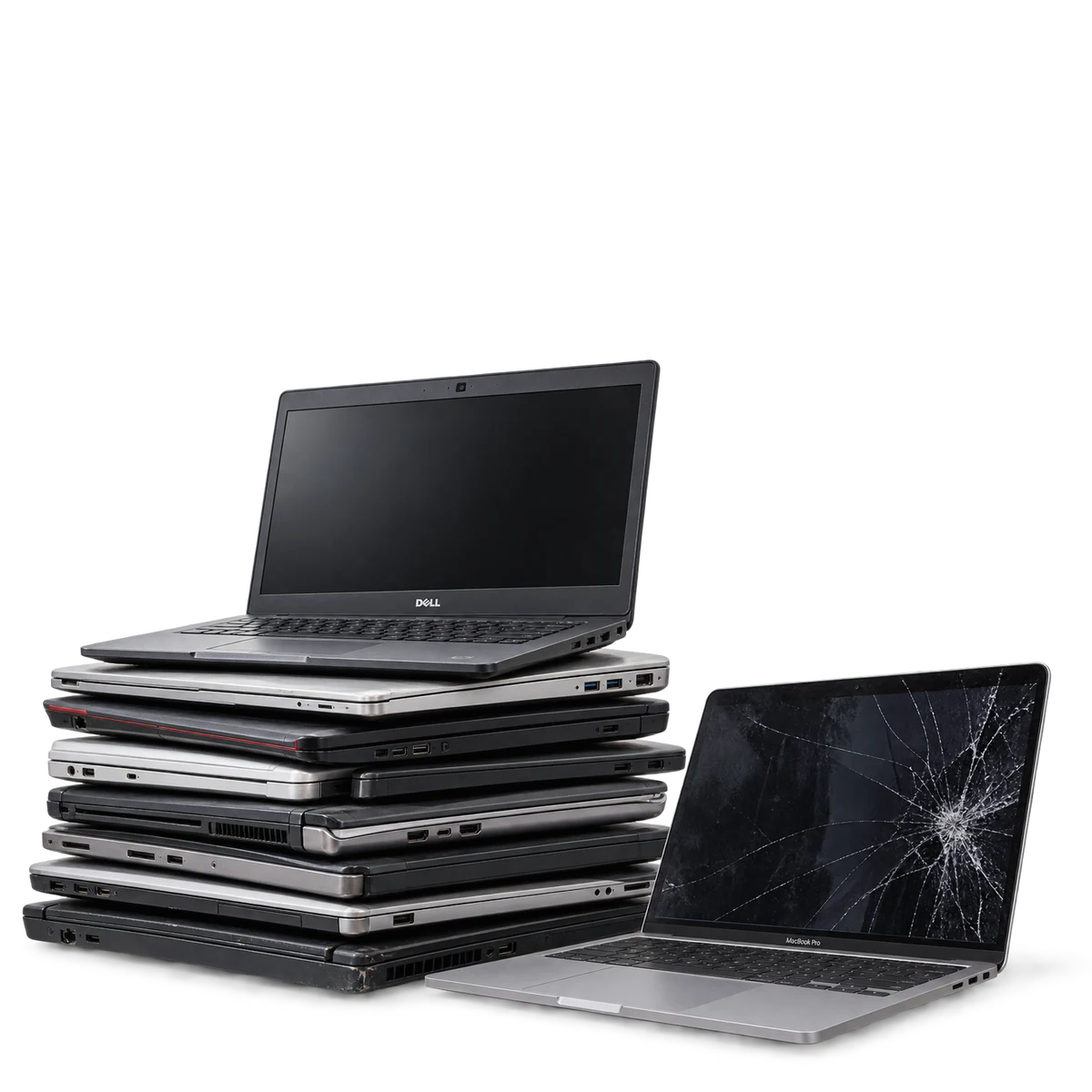
LAPTOPS WE ACCEPT
Working or Broken Laptops Are Welcome
We accept laptops with missing chargers, failed screens, damaged keyboards and other non-hazardous defects.
Apple MacBooks
Chromebooks
Mobile Workstations
Gaming Laptops
Broken or Incomplete Laptops
RECYCLING OPTIONS
Laptop Recycling for Homes and Organizations
Residential Drop-Off
Standard laptop recycling is free at our West Los Angeles and Canoga Park locations. Chargers, docking stations, keyboards, mice and other accepted accessories may also be included.
Find a Drop-Off LocationBusiness Laptop Pickup
We support equipment refreshes, employee-device returns, office closures and bulk laptop recycling.
Free pickup may be available when the load includes at least 10 combined laptops, desktop computers, servers or computer monitors. Once the minimum is met, additional accepted electronics may be included.
Data destruction, special labor, difficult-access locations and other requested services may be quoted separately.
Request Business PickupBEFORE YOU RECYCLE
Protect Your Data and Release Managed Laptops
Back up needed information and sign out of Apple, Microsoft, Google and other connected accounts before recycling a laptop.
Business and school laptops may remain associated with Microsoft Intune, Windows Autopilot, Apple Business Manager, Jamf, Chromebook Enterprise or another management platform. A factory reset may not remove these enrollment restrictions.
Release managed devices before pickup whenever possible. Devices that remain enrolled or activation-locked may have limited reuse or remarketing potential.
Data destruction is $15 per laptop or storage drive, or $12 each for 10 or more.
PROCESS
How to Recycle a Laptop
Back Up Important Files
Save any documents, photos or account information you want to keep.
Sign Out and Release the Device
Remove connected accounts, activation locks and organizational management when possible.
Select Data Services if Needed
Request secure sanitization or physical storage-device destruction before the laptop is processed.
Drop Off or Request Pickup
Bring the laptop to either LAeCycle location or request service for a qualifying business load.
YOUR QUESTIONS, ANSWERED
Laptop Recycling Questions
Can I recycle a laptop for free?
Yes. Standard laptop drop-off is free at our West Los Angeles and Canoga Park locations. Business pickup may also be free when the load includes at least 10 combined laptops, desktop computers, servers or computer monitors.
Do you accept broken laptops?
Yes. We accept outdated, incomplete and non-working laptops. Contact LAeCycle before transporting a laptop with a swollen, punctured, leaking or overheated battery.
Do you accept MacBooks and Chromebooks?
Yes. We accept Apple MacBooks, Chromebooks, Windows laptops, gaming laptops and mobile workstations.
Should I reset my laptop first?
Back up needed information, sign out of connected accounts and reset the laptop when possible. Business and school devices should also be released from organizational management. A factory reset is not the same as a documented data-destruction service.
Can you destroy the laptop’s storage device?
Yes. Secure sanitization and physical storage-device destruction are available as separate services. Witnessed destruction is available for eligible laptops and storage drives by appointment.
TAKE THE NEXT STEP
Recycle Your Unwanted Laptop
Visit a LAeCycle drop-off location or request pickup for a larger business laptop collection.